Prepare window switch product photos by tying every image to the exact item, capturing the views that answer buyers’ identification questions, and keeping the original files separate from edited outputs. Before release, check both the visible product details and the requirements of the destination. A clean catalogue photograph, an annotated explanation and a blog cover serve different purposes.
For a distributor, the useful result is a traceable photo set: another editor can identify the SKU, understand what each view shows, find its source and recognize missing evidence. Attractive lighting matters, but it cannot correct a mixed-up variant or supply a rear connector view that was never photographed.
The workflow below is an editorial recommendation for preparing that set. It uses a real PIRANA catalogue image as a limited example and distinguishes external platform rules from suggested internal checks. It does not establish vehicle fitment or prescribe a universal photography standard.
Start with the item and source, before the camera settings
Open one job for one exact supplier SKU and the supplied item it represents. Record the source product page or document, the physical sample identifier if available, and who supplied the photographs. Keep meaningful suffixes intact. If the label, supplier record and file folder disagree, resolve that conflict before preparing a public image.
Define the sale unit too. A switch assembly, a replacement control panel and a kit containing additional pieces need different presentations. Put only the included items in the main set, or clearly separate contextual accessories in an explanation. Otherwise, a photograph can suggest contents that the written offer does not include.
For a new shoot, make a private identification frame linking the sample to the job record, then remove that temporary card for clean product shots. For supplier-supplied files, retain the original delivery and the supplier’s description. A renamed download is not an original camera file; describe its provenance accurately.
Confirm that the planned use is authorized, including any distributor reuse. Retain the permission or approved asset-library record with the job. Public visibility alone is not a useful substitute for a reuse record. Keep customer details and internal order information out of public images.
Once images are accepted, their asset IDs and review states can be stored in the power window switch catalog data template. That record preserves the result; the photography review determines whether the files deserve acceptance.
Build a shot list around questions a buyer needs answered
Do not ask for “five more pictures” without naming what is missing. Several attractive photographs of the same control face can still leave the housing and mating interface undocumented. Choose each view for a distinct question, using the actual loose part rather than removing an installed component solely for a catalogue shoot.
| View to capture or request | Question it helps answer | Reason to request another photograph |
|---|---|---|
| Complete control face | What buttons, symbols and visible layout does this item show? | Glare hides a symbol, a control is cropped, or the view is too oblique to compare. |
| Complete rear housing | What housing shape, connector locations and mounting features are visible? | Fingers, supports or shadows obscure a feature. |
| Connector mating face | What opening, keying and visible cavity arrangement can be inspected? | The camera looks across the opening rather than into it, or fine detail is unresolved. |
| Relevant side or mounting detail | Where is a clip, tab or fixing feature relative to the housing? | The close-up loses the context needed to locate the feature. |
| Readable existing marking | What does the actual item label or marking say? | A character is blurred, overexposed or only guessed from the listing. |
| Included components together | What physically belongs to this offered unit or kit? | A prop or optional component appears to be included. |
This is a task-based shot list, not a requirement to produce six images for every switch. Some views can answer more than one question; others may need a separate detail photograph. Use the smallest set that leaves the intended listing understandable.
Keep orientation consistent. For a connector comparison, use an identifiable latch or housing feature as the reference and document which face is being viewed. “Front” in a camera folder should not silently become “front door” in the catalogue. Never mirror an image to suggest an opposite-side version.
A visible cavity is not automatically a populated contact, and neither a cavity count nor a photograph establishes terminal assignments. Keep electrical and vehicle-application verification in the separate OE-number identification workflow. The photography task ends at a faithful record of what is visible.
Use lighting and focus to preserve information
Black polymer, bright trim and recessed openings create different photographic problems. A broad bright reflection can make a dark housing look clean while concealing its surface and symbols. A deeply shadowed connector can appear sharp around its rim while remaining unreadable inside.
Start with a neutral background and a stable camera position. Use a diffused light source, then adjust the light or part angle until the important markings remain readable. Compare the image with the physical item rather than trying to make every black surface uniformly bright. Keep highlights and natural shadows where they help describe shape.
GS1 Sweden’s image-quality guidance calls for realistic, balanced colour and contrast, soft lighting and avoidance of excessive sharpening. Its detailed acceptance rules concern its Validoo image service; they are not blanket requirements for every automotive distributor. The useful lesson here is to preserve detail rather than pursue dramatic contrast. GS1 Sweden: image quality requirements, section 7.1.2.
Inspect the first frame before continuing a batch. Look at the smallest symbol, the housing edge and the feature the image is meant to show. If only the nearest button is sharp, adjust the setup or capture another view. Do not assume that increasing sharpening later will recover missing detail.
For a close-up, keep one wider context frame in the set. A sharp crop of a mounting clip is difficult to interpret when the reader cannot locate it on the assembly. If dimensions matter, use the applicable drawing or a separately documented measurement; perspective photographs should not become improvised dimensional evidence.
Edit the presentation without changing the product
Retain the received original or camera source and edit a working copy. Straightening, restrained tonal correction and background cleanup should leave the product’s actual outline and markings intact. Compare the output with the source at the places where editing is most likely to lose information: thin clips, narrow gaps, silver edges and dark recesses.
Background removal deserves particular attention. An automatic selection can cut off a small mounting feature or fill a gap that belongs to the product. Inspect those boundaries manually. If the source does not resolve an edge, request a clearer photograph rather than drawing the expected shape.
Do not repaint symbols, replace an unclear label with typed text, remove genuine product markings or retouch a used unit to suggest a new item. For a catalogue photograph of a new item, select an appropriate sample and recapture it. Evidence of a damaged or returned unit belongs to that unit’s case record and must retain its condition.
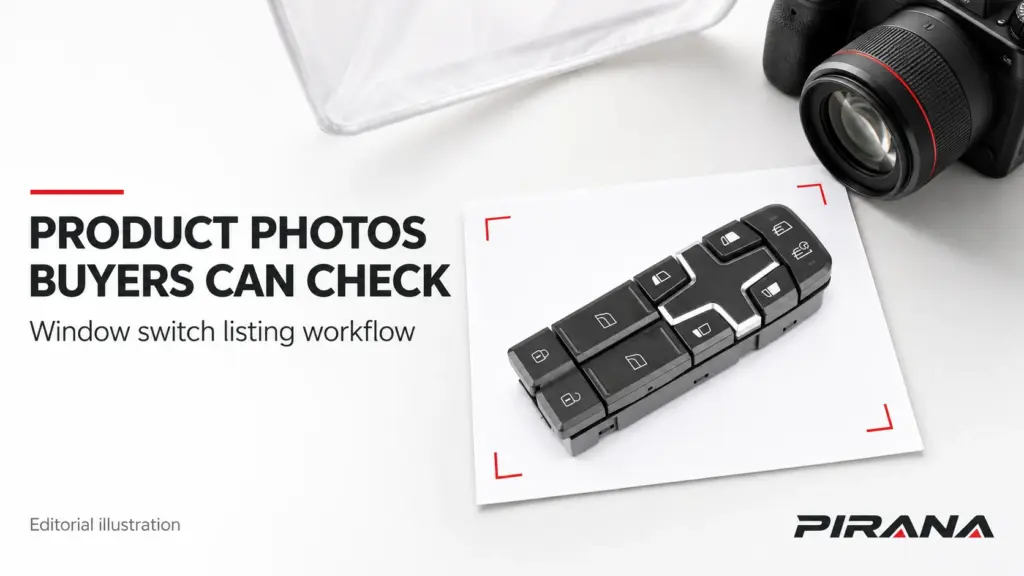
Generative tools should not supply an unseen rear view, invent a connector, or create a second variant from one photograph. Those outputs can look convincing without representing a supplied part. A conceptual editorial illustration may explain a workflow, provided it is identified as such and is not substituted for the product’s identity photographs.
Use a practical rejection question: could this edit change what a buyer believes is physically present? If yes, return to the original or obtain a better source. A changed background and a changed housing are very different decisions.
Separate clean product assets from annotated explanations
Create destination-specific derivatives from the retained source. A clean product photograph can support a listing; an annotated copy can explain a visible feature in a guide. Keep the annotation off the clean master so the next recipient does not have to remove arrows, headlines or branding.
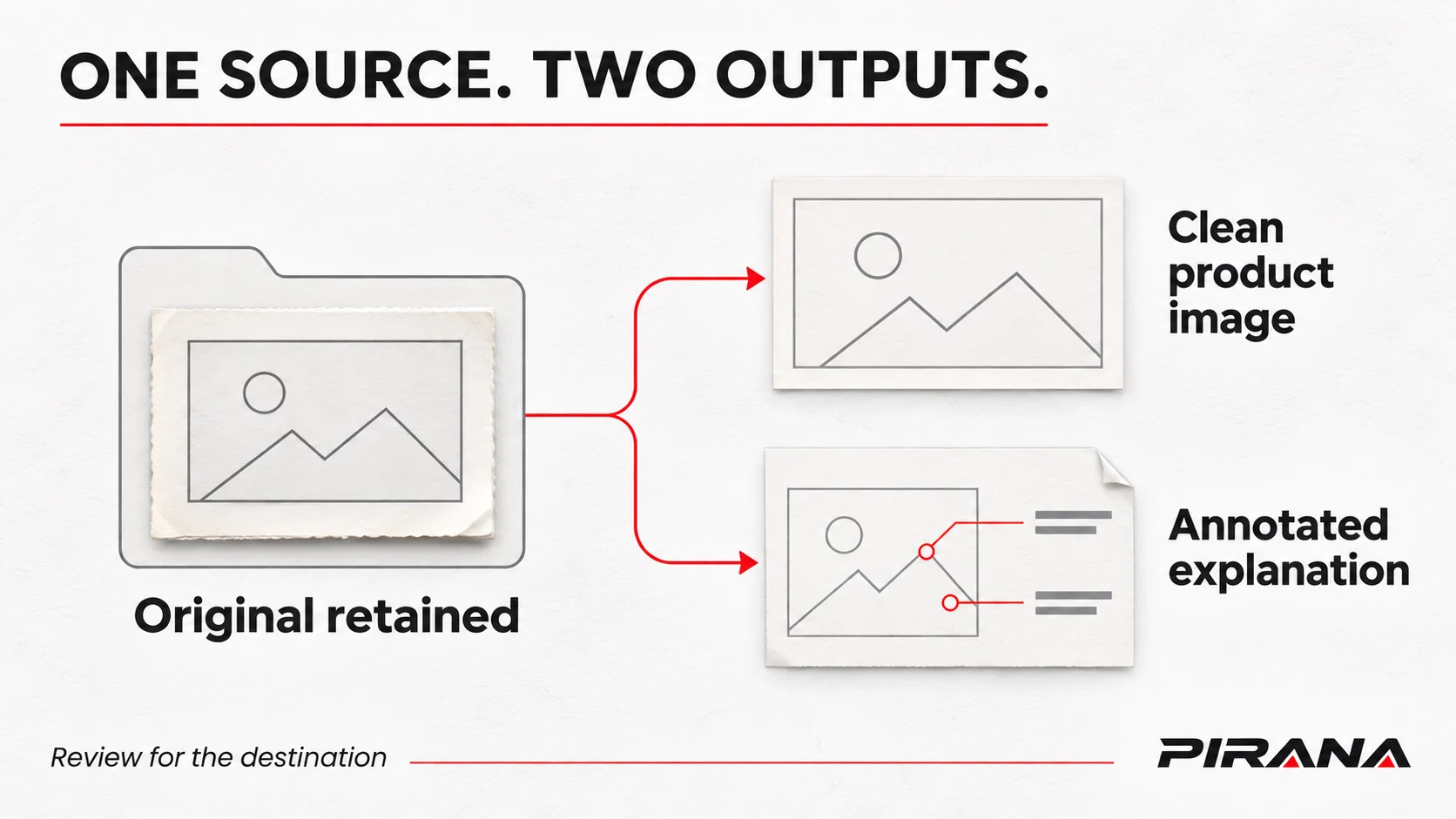
If the destination is Google Merchant Center, its main-image guidance prohibits added promotional text, superimposed logos and watermarks. An inherent physical product logo is treated differently. The same guidance has a Vehicles & Parts exception permitting generic imagery, but that exception is not proof that a generic image accurately documents a particular switch. Check the applicable category and channel rules. Google Merchant Center: Image link.
This distinction matters when reusing blog artwork. The branded cover of a technical article may be suitable editorial material while being unsuitable as the main image in a product feed. Maintain separate files rather than treating a successful blog upload as approval for every destination.
Choose output dimensions and format from the receiver’s current specification. Keep its requested crop, background, file limit and review date in the job record. There is no single “SEO image size” that settles every product gallery, marketplace feed and article layout. If the source is too small to show the needed detail, request a larger original or reshoot; a larger export does not supply missing observed detail.
Check the exported file, not only the editing canvas. Open it against the destination background, inspect the edges and compare the important features with the source. Transparent gaps, pale symbols and subtle outlines can become less clear after conversion or placement.
Name the view, and write alt text for what it communicates
Use a stable file pattern that connects the asset to the supplier, SKU, view and image revision. For example, pirana-hq-6913-control-face-r1.webp could name a reviewed control-face derivative. This is a suggested naming example, not a promise that the file exists or that “r1” is the physical product revision.
Keep the complete official SKU in the asset record even if a destination requires normalized filenames. Do not remove a meaningful suffix to make a name shorter. Likewise, a camera-view label such as rear-housing should describe the photograph; it should not add an unverified vehicle location.
Google Search Central recommends descriptive filenames and placing images near relevant text. It also recommends useful, contextual alt text rather than keyword stuffing. These practices describe the image and its page; they do not validate a compatibility claim. Google: image SEO best practices.
W3C advises that an informative image’s text alternative convey its relevant meaning or content. Apply that to the actual view. For a control-face photograph, “PIRANA HQ-6913 catalogue photograph showing the control face at an angle” is more defensible than “Guaranteed compatible Volvo switch with anti-pinch protection.” The latter adds claims the photograph does not establish. W3C: Informative Images.
Use the caption for a helpful qualification, such as “Rear housing is not shown.” Keep extended comparison notes in nearby text. A file name, alt attribute and caption have related jobs, but repeating the same sales phrase in all three adds no useful information.
Worked review: what the HQ-6913 catalogue photograph can support
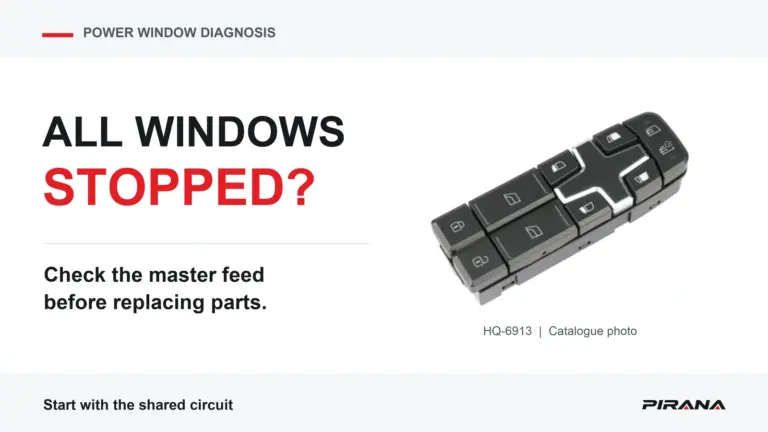
The current PIRANA product record for HQ-6913 associates that SKU with the displayed catalogue photograph. The image below is retained from the public catalogue file checked on November 4, 2026, without redrawing the product. It is a published image asset, not an original camera capture or a record of a newly inspected physical sample.
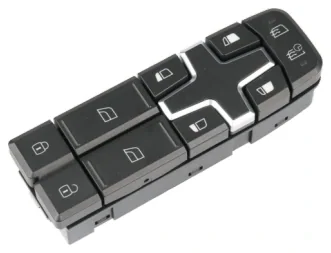
This view is useful for illustrating the visible control layout. It does not complete the proposed shot list. The correct editorial action is to retain its limited purpose and request the missing views when the destination needs them, rather than generate an apparently complete set from it.
Consider this illustrative review exercise, not an actual distributor approval:
| Requested deliverable | Evidence available | Review decision |
|---|---|---|
| Small contextual control-face illustration | Published catalogue image and matching SKU page | Usable for the bounded illustration shown here, with its source and limitation stated. |
| Detailed rear-housing comparison | No complete rear view in this source | Hold that deliverable; request a real rear photograph. |
| Connector mating-face image | No mating-face photograph in this source | Hold; do not derive it from the control face or another SKU. |
| Opposite-side or differently suffixed variant image | Only this SKU’s source record is under review | Open a separate job for the other item and obtain its own evidence. |
| Channel-specific main listing image | Source exists, but destination requirements and reuse authorization need review | Keep release pending until those checks are recorded. |
The exercise distinguishes a useful existing image from a complete approved photo package. A small context illustration can be acceptable for this article without being sufficient for a buyer’s detailed product gallery. The missing rear image is a defined request, not a reason to relabel the front photograph.
Now suppose a supplier sends an additional file labelled “rear.” Before adding it, establish that it belongs to HQ-6913 and the intended version. Compare its source record, sample association and visible features; similarity alone is not enough. If the supplier cannot establish the connection, keep the file outside the accepted set and record the exact question to resolve.
Review the deliverable at full size and in the listing
Run two separate reviews. At full size, compare product identity, edges, markings and image quality with the source. In the intended page or a representative preview, check whether the useful detail remains understandable after the image is displayed at normal size.
The thumbnail should identify the item without cutting off essential controls. The detail view should answer the question assigned to it. If a connector opening is technically present but too small to inspect, add a properly captured detail view or revise the crop from adequate source pixels. Avoid repeatedly exporting a poor source in search of a sharper result.
A reviewer should record an outcome for each deliverable, not simply mark the folder “done”:
- Accept for a named use: source, item, visible content and destination checks are complete.
- Revise presentation: the source is adequate, but crop, export or labelling needs correction.
- Recapture or request evidence: identity, view coverage or readable detail is missing.
Keep approval of the photograph separate from approval of the product. A photo review can confirm that an image faithfully presents a documented item. It cannot establish electrical performance, installation suitability or vehicle coverage.
Hand over a photo set someone else can maintain
Deliver only the accepted images for the requested channel, accompanied by an asset manifest outside the public image gallery. Each row should identify the exact SKU, source file or source record, output filename, view, intended use, image revision, alt text, reuse basis, reviewer and review date. Keep unresolved requests visible instead of disguising them as accepted files.
Preserve originals and superseded outputs in the controlled archive. When a new image arrives, compare it with the previous source before replacing the public asset. An improved crop can be an image revision; an unexplained change to the housing or markings needs an item-identity review. Do not silently treat both as routine file maintenance.
A focused supplier request can say:
Please provide authorized photographs for the exact SKU and supplied item identified in our request: the complete control face, complete rear housing and connector mating face, plus any marking or mounting detail still unclear. Identify which files belong to the same sample or version, retain the original files, and state any missing view. We will review clean listing images separately from annotated explanations.
For PIRANA references, begin with the power window switch catalogue and identify the exact product record when requesting additional images. State the destination and the missing view. The next step is a specific asset request, not an assumption that every model already has a complete multi-angle image set.
References
- GS1 Sweden — Guidelines and Quality Assurance rules for product images, version L, updated August 8, 2025: image-quality principles within the stated Validoo service scope.
- Google Merchant Center — Image link: main-image overlays, category exceptions and destination-specific requirements; checked November 4, 2026.
- Google Search Central — Google image SEO best practices: descriptive filenames, nearby context and alt text.
- W3C Web Accessibility Initiative — Informative Images: text alternatives appropriate to an image’s purpose.
- PIRANA — HQ-6913 product record, checked November 4, 2026: source identity for the published catalogue photograph, not independent fitment validation.