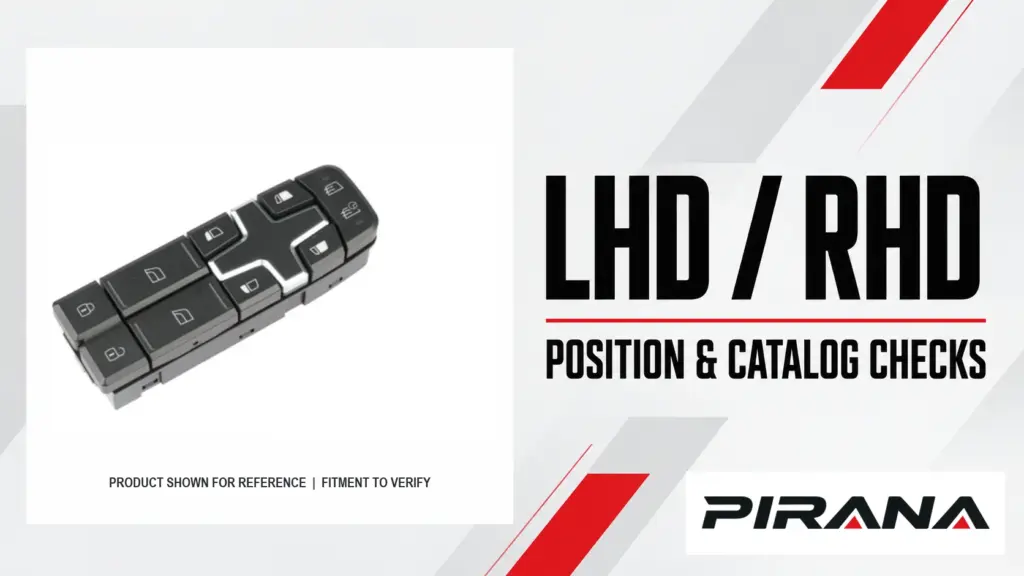
For a conventional vehicle with the driver and front passenger on opposite sides, the driver’s door is on the left in a left-hand-drive (LHD) vehicle and on the right in a right-hand-drive (RHD) vehicle. A left-side switch therefore does not always mean a driver’s switch. Record steering configuration, physical installation position and control role separately before comparing parts.
The direction of the steering wheel alone does not establish which replacement switch fits. A manufacturer may supply different assemblies or the same service item for different configurations. The exact vehicle and part records must establish the relationship. This guide helps distributors read position and catalogue labels, separate enquiries and identify unresolved information; it is not a fitment list or a verified LHD/RHD parts-pair comparison.
Compare the same position and role across configurations
The following table assumes a conventional vehicle with a driver and front passenger on opposite sides. Left and right are the vehicle’s sides when facing forward. The actual installation position and functions still require confirmation for the vehicle and service item.
| Requirement | LHD vehicle | RHD vehicle | Purchasing consequence |
|---|---|---|---|
| Driver’s front door | Left front | Right front | Search by driver role and steering configuration; do not carry the physical-side field across unchanged. |
| Front passenger’s door | Right front | Left front | A “left front” request could describe a different role in each configuration. |
| Left front physical door | Driver’s door | Front passenger’s door | “Left” alone does not say which functions the switch must control. |
| Right front physical door | Front passenger’s door | Driver’s door | A catalogue position needs vehicle orientation and role to be unambiguous. |
| Control responsibilities | Establish from the actual vehicle and option configuration. | Establish separately from the actual vehicle and option configuration. | Do not infer button functions, connector wiring or interchangeable assemblies from steering side. |
This is a location framework, not a rule that every driver’s switch is a master unit or that the same-looking parts are interchangeable. Controls can be part of a larger panel, and equipment varies. For the distinction in control duties, see master vs individual window switches.
Read LHD/RHD control illustrations: 2025 Genesis GV70
The 2025 Genesis GV70 owner’s manual, Windows section, shows separate LHD and RHD window-control illustrations. Both identify a driver’s-door switch, front-passenger switch, two rear-door controls, automatic-window operation and a window-lock switch. The manual labels the rear controls differently between the two drawings:
| Manual item | LHD illustration | RHD illustration | What a buyer can conclude |
|---|---|---|---|
| 1 | Driver’s-door power window switch | Driver’s-door power window switch | The role name remains “driver”; use the vehicle configuration to locate the door. |
| 2 | Front-passenger-door power window switch | Front-passenger-door power window switch | The passenger role must also be associated with the correct configuration. |
| 3 | Rear-left-door power window switch | Rear-right-door power window switch | The same illustration callout number is not a cross-configuration part identifier. |
| 4 | Rear-right-door power window switch | Rear-left-door power window switch | Read each illustration’s own legend rather than copying the LHD legend to RHD. |
The item numbers are manual illustration callouts, not original equipment (OE) or supplier part numbers. The manual illustrates vehicle controls; it does not establish that the individual parts, complete assemblies, connectors or electronic functions are identical or interchangeable. This is a passenger-car example of reading two documented configurations, not evidence that a PIRANA switch fits a GV70 or any truck.
Read the catalogue’s version and side fields separately
Before copying an “L” or “R” into an order, check the heading and the catalogue’s own definitions. A 2014 Mercedes-Benz parts update gives a concrete example: in the newer EPCnet model catalogues described there, the Version column identifies the vehicle’s LHD or RHD configuration, while the part description identifies the physical installation side. Its illustrated example concerns front-door paneling, not a window switch. The document recommends using the VIN for a parts lookup when available.
| Record in that example | Question answered | Do not convert it into |
|---|---|---|
| Version | Which steering configuration is the catalogue entry for? | The physical side where the item is installed. |
| Part description | Which side of the vehicle is the item used on? | The steering configuration or the switch’s complete function. |
This is an example of one manufacturer’s historical catalogue convention, not a universal column layout or a current switch application record. Another supplier’s “L” may mean something else. Keep the catalogue name, version and column heading with the entry, and use the current applicable vehicle and part data to resolve the order.
A real switch-record comparison: when labels are not a fitment table
The official Mopar eStore has separate records for two window-and-door-lock switches. Both page headings name the 2011–2013 Jeep Grand Cherokee. On the pages reviewed, the heading, “Positions” and “Other Names” fields carry different pieces of information:
| Mopar record | Page heading | Position field | LHD wording among “Other Names” | Buyer action |
|---|---|---|---|---|
| 68030826AF | RHD, right side | Left, right | LHD, left side | Preserve the exact part number and field labels. Request a configuration-specific lookup. |
| 68030822AE | RHD, left side | Right, left | LHD, right side | Keep this a separate candidate; ask the same vehicle-specific question. |
These are two records, not a proven left-drive/right-drive replacement pair. “Other Names” contains several labels. Both pages display a list of general “Applications” but say no vehicle-fitment data is available in their fitment sections. The order of left and right in the Positions field does not establish that the switches have different functions or positions. The information shown does not establish which label applies to a particular VIN, whether the items share a role or whether either item can replace the other. A buyer should preserve the exact number and source field, then ask an authorized parts source to check the VIN, market, build, physical door, equipment and required service item. Do not assign a PIRANA SKU to either Mopar number on the basis of this example.
Resolve mixed or contradictory order lines
An order line should name the service item, not just the window operated by the controls. A driver’s panel may control a passenger window; that does not make the panel a passenger-door switch. A separate rocker, a switch module and a complete panel can be different purchasing items. Use the applicable parts record and the customer’s description to establish which item is required.
These two fictional procurement examples show how to handle the information; neither is a fitment recommendation.
| Incoming request | What can be understood | Decision and next evidence |
|---|---|---|
| “RHD, driver’s door, left-front switch, complete panel” | In a conventional RHD vehicle, “driver’s door” and “left front” conflict. The request does not show which field is wrong. | Hold the line. Ask the buyer to confirm the vehicle configuration and photograph the installation location and original panel. Preserve both statements until corrected; do not silently turn it into a right-front order. |
| “LHD, right-front switch; controls passenger window; reference unknown” | Right-front passenger location is consistent with the assumed LHD layout, but the actual service item and part identity are open. | Request evidence before selecting a SKU. Ask for the exact vehicle/configuration, original part reference and front, rear and connector photographs; establish whether a separate switch or panel is required. |
Where a customer asks for both LHD and RHD stock, keep separate requirements or separately identified configurations until the applicable parts evidence establishes whether they can share a service item. If sources disagree, retain the source, version and disputed value. An image or a suggested cross-reference can help locate a candidate; neither resolves a conflict by itself. The OE-number identification guide explains how to preserve the original reference while comparing candidates.
What must match beyond the door position?
Once the location and service item are clear, compare the evidence for the same configuration. A visual match at the front can still leave the rear interface, mounting or functions unresolved.
| Comparison | What to establish | If it is missing |
|---|---|---|
| Vehicle and build | Make, model, generation, market, relevant production details and steering configuration; use VIN or chassis information through the applicable parts source when needed. | Mark the applicability as unresolved; request the vehicle information and applicable catalogue record. |
| Original part and supplied item | Full original reference and revision where visible, supplier SKU, and whether the offer is a complete assembly or a separate component. | Keep candidates separate and request a clear relationship or corrected offer. |
| Mechanical interface | Mounting features, housing and connector shape/keying against the original and applicable documentation. | Request clear photographs or drawings for the exact item; a similar front face is not enough. |
| Electrical interface | The documented interface and pin arrangement for the exact vehicle and part, where relevant. | Obtain applicable technical information; equal pin count does not prove the pins have the same roles. |
| Functions | Window controls, lock, mirrors, illumination, automatic operation or other functions where fitted and required. | Ask which functions are supported by the selected reference and what vehicle-system requirements apply. |
| Evidence and outcome | Source, edition, applicability and the open question for each candidate. | Keep the item on hold until the relevant conflict or missing evidence is resolved. |
An AUTO symbol or matching number of buttons does not establish how a vehicle’s automatic or anti-pinch function is implemented. Any initialization or coding requirement must be checked in the service information for that exact configuration; this comparison does not provide a reset procedure.
Turn a catalogue reference into a reviewable enquiry
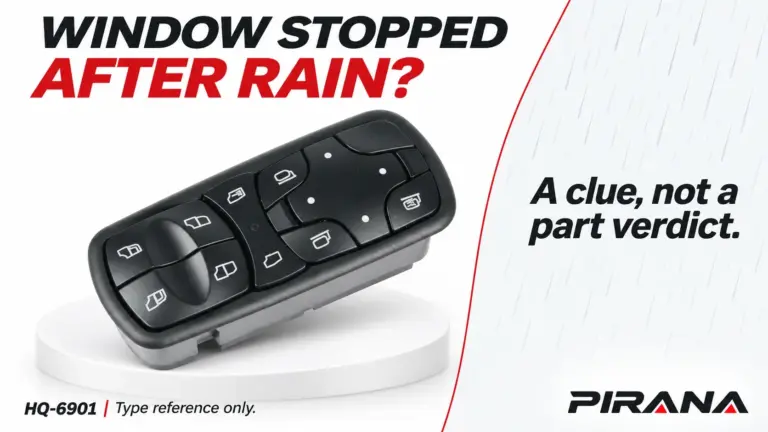
The PIRANA HQ-6901 catalogue page lists HQ-6901 and OE reference A9438200097. That is a catalogue identification starting point, not proof of a steering configuration, the role in a particular vehicle or compatibility with a different reference. In particular, adjacent HQ numbers or a left/right description do not by themselves establish an LHD/RHD pair.
For each configuration being sourced, record:
Vehicle make / model / generation / market / production details:
Steering configuration: LHD / RHD / unknown
Physical position: left / right / other / unknown; front / rear / other / unknown
Role: driver / passenger / other / unknown
Service item: separate switch / module / complete panel / unknown
Original OE reference and revision, exactly as shown:
Candidate supplier SKU and source/version:
Functions required and vehicle options:
Front, rear, connector and mounting photographs:
Open conflicts or missing evidence:
Quantity / destination:
Decision: hold / request evidence / candidate for exact review
The PIRANA power window switch catalogue is an entry point for candidate references. Send the configuration and original-part evidence with the quantity when requesting a comparison. Confirm the exact match and applicable functions for each vehicle configuration before treating the candidate as an approved order reference.
References
- Genesis, 2025 GV70 Owner’s Manual: Windows, LHD and RHD illustrations and legends.
- Mercedes-Benz USA, Weekly Parts Update, 7 February 2014, page 4, “Version vs. Side, Right Drive vs. Right Steer”.
- Mopar eStore, switch records 68030826AF and 68030822AE, titles, position fields, other names and fitment sections.
- PIRANA, HQ-6901 product catalogue record, catalogue declaration.