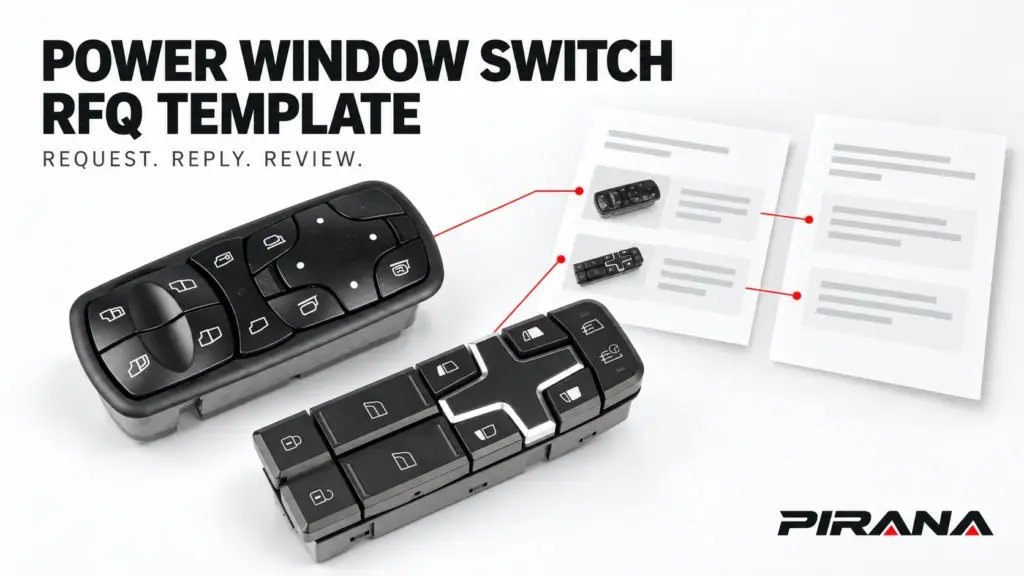
A useful power window switch request for quotation (RFQ) keeps three identifiers separate: the RFQ issue, the requested line, and the supplier’s offer version. Give each distinct requirement a Line ID. Ask suppliers to reply against that ID, state the exact item and quantity they are quoting, and disclose unresolved configuration or commercial points.
The companion Excel template provides that working structure for distributors, importers and wholesale buyers. It combines a batch request, an evidence register, supplier replies and buyer follow-up. A price can be recorded while technical questions remain open; recording it does not approve a replacement or place an order.
Use one workbook for one RFQ issue
The workbook contains five sheets. Review opens first so the buyer can see the selected reply and next action; request inputs live in RFQ.
| Sheet | What you enter | What the workbook provides |
|---|---|---|
| RFQ | Shared request details and one row per distinct requirement. | Source-row counts and the first detected line-record gap. |
| Quotes | One supplier response per line and offer version. | Requested quantity/unit, a goods subtotal and response checks. |
| Evidence | One source, file or document per row, linked to a Line ID. | Missing or duplicate record-key and source-field checks. |
| Review | Selected Offer ID, separate technical/commercial decisions, reviewer and follow-up. | Selected reply details and the next unresolved review requirement. |
| Field guide | Instructions and field definitions. | Row rules, example scope, calculation limits and expansion guidance. |
Table headers are on row 12, with entries beginning on row 13. The prepared capacity is 100 RFQ lines, 300 supplier replies, 300 evidence rows and 100 buyer-review rows. These capacities include the training examples.
Use one shared destination and one issued requirement set per file. A different destination or a changed requirement set needs its own controlled issue. The same candidate SKU can appear on several lines when the required configuration, supplied contents or quantity basis differs.
This is a transaction record. Use the catalogue data template for maintaining product information across orders, rather than turning each RFQ into a new master catalogue.
Fill the shared request before adding product lines
In the top section of RFQ, enter the RFQ ID, issue, issued date, reply due date, buyer/contact and destination. State the requested delivery basis, packing, payment proposal and document or sample scope. A supplier’s actual response belongs in Quotes, even when it differs from your request.
Review as of is a visible, editable date. Update it when reviewing offers. The workbook compares quote validity with this date; it does not silently substitute today’s date.
For each Line ID, keep these inputs distinct:
| Input group | What belongs in the line |
|---|---|
| Original identity | Complete reference from the original part or applicable vehicle record. Enter Unknown when it has not been established. |
| Candidate identity | Exact supplier SKU, including suffix, plus the candidate’s source record. |
| Required application | Vehicle/build requirement, application market, steering configuration and physical side/door. |
| Supplied item and functions | Required control role, functions and assembly/service-item scope. Define what a pair or set contains. |
| Interface evidence | Relevant original/candidate interface record, or the specific missing evidence. |
| Demand | Requested quantity, its unit, trial/replenishment scope and optional required date. |
| Follow-up | Open technical question, line owner, technical status and any review reference. |
Keep a missing value visible. “Unknown: original connector record needed” gives the supplier an actionable question. Copying a nearby catalogue value into the buyer’s original-part field creates a misleading requirement.
Store Line IDs, OE references, SKUs and quotation references as text before entry or import. Preserve leading zeros, punctuation and suffixes. Microsoft explains that later formatting cannot restore zeros or digits already lost during numeric conversion. Microsoft: Keeping leading zeros and large numbers.
The workbook treats 00123 and 123 as different text keys. Letter case alone should not distinguish identifiers. For the underlying identification task, use the OE-number identification guide and retain the resulting source and open questions in the RFQ.
Attach evidence to the requirement it actually supports
Evidence rows connect files to a Line ID, rather than relying on their position in an email. Record the file or URL, issuer, checked date, scope and reviewer. Keep catalogue identity, original-part photographs, interface documents, application records and technical-review documents distinguishable.
Source qualifiers matter. The official Nissan 25401-EL30A record describes a left-side switch-panel assembly with a “From 02/07” condition. That is a bounded example of information that a bare part number can omit. It does not establish a PIRANA cross-reference or truck application.
For a working request, record the relevant qualifiers from the applicable source. Steering configuration, physical side and control role answer different questions. A catalogue image of the candidate also cannot stand in for the buyer’s original rear or connector photograph.
The workbook’s examples use current PIRANA declarations:
| Training Line ID | Candidate SKU | References listed in the linked PIRANA catalogue | Requested original reference |
|---|---|---|---|
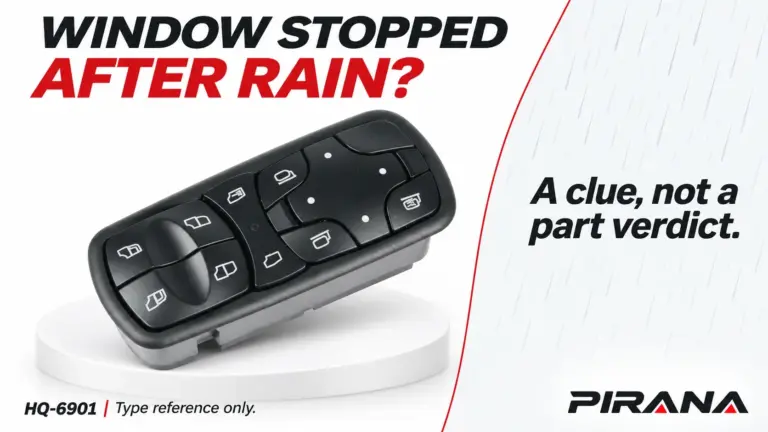
| LINE-001 | HQ-6901 | A9438200097 | Unknown |
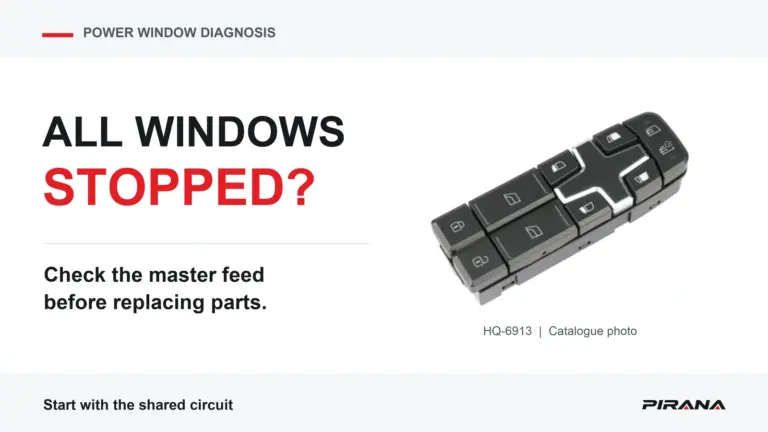
| LINE-002 | HQ-6913 | 22154285 and 22154235 | Unknown |
These are catalogue identity examples, checked October 27, 2026. The workbook deliberately leaves the actual vehicle, original reference, interface and required functions unresolved. Two numbers listed together do not establish a replacement direction or an approved application.
Ask suppliers to return explicit line replies
Give each reply a unique Offer ID. Keep the supplier, Line ID, RFQ issue, quotation reference/date, retained reply source and contact attached to it.
Choose the appropriate response:
- Quoted: an item and commercial proposal are being offered.
- Need information: the supplier needs a named answer before completing the response.
- No bid: the supplier is declining the requested scope, with a reason.
A blank price means the price has not been recorded. It does not mean no bid or free supply. Numeric zero remains zero; an actual free/sample proposal needs its scope and excluded charges stated explicitly.
For a Quoted response, collect:
| Reply field | Why the buyer needs it |
|---|---|
| Offered SKU and proposal type | Distinguishes the requested candidate from an alternative. Another SKU must be labelled Alternative. |
| Supplied scope and differences | Identifies the assembly, included items and deviations being proposed. |
| Quantity, unit, currency and unit price | Defines the exact basis of the amount. A set price cannot be compared with a piece price without resolving the contents. |
| Minimum order quantity (MOQ) | Records the supplier’s minimum in the quoted unit. Blank remains unresolved; zero means explicitly no minimum. |
| Lead time and start event | Preserves what starts the quoted period, rather than inventing a delivery date. |
| Delivery basis, named place and version | Retains the exact stated commercial scope. |
| Payment, packing, inclusions and exclusions | Makes additional charges and scope differences visible. |
| Validity and supplier open points | Shows whether the offer remains current and which questions still need an answer. |
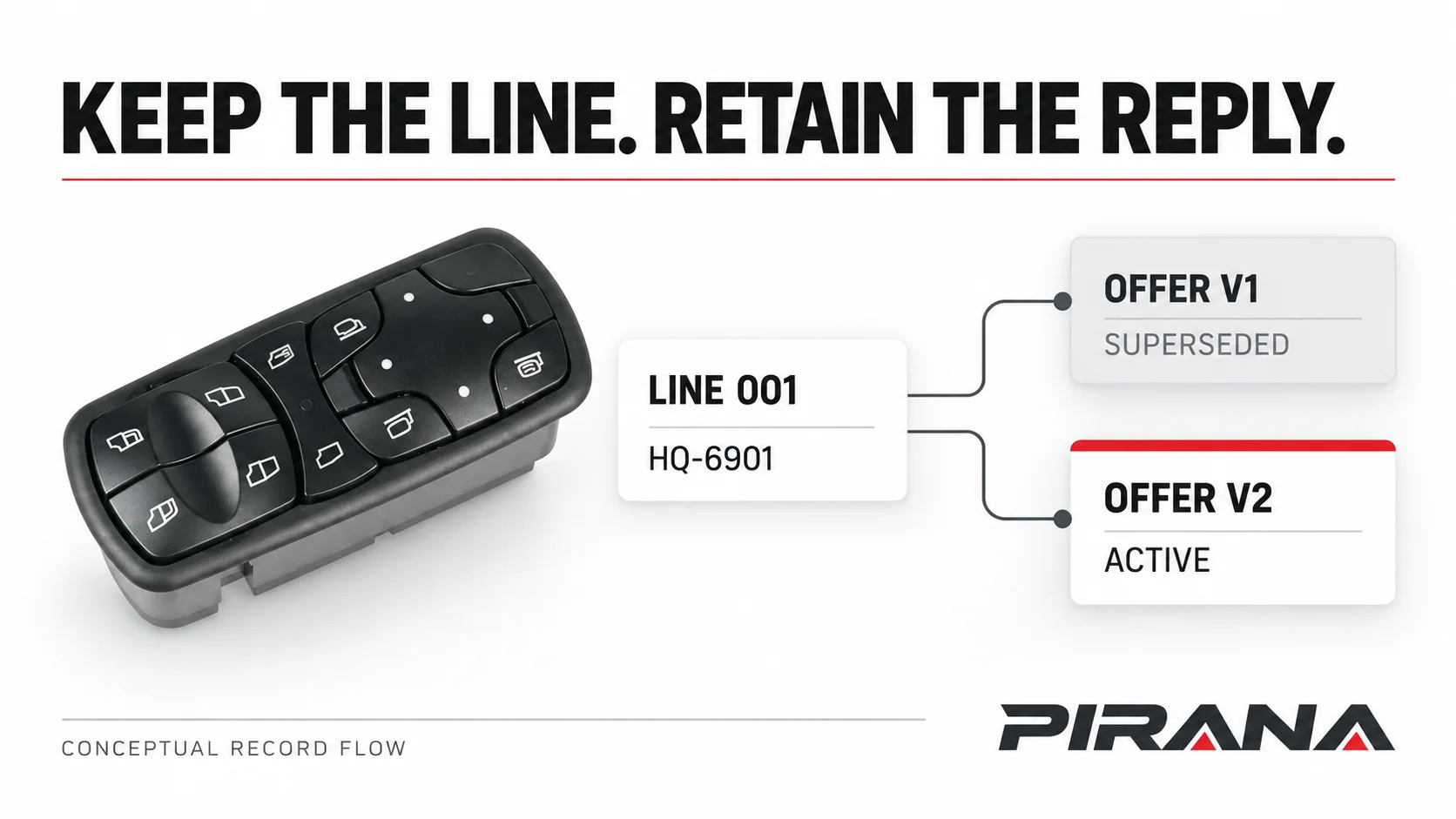
Append a revised reply with a new Offer ID and mark the older response Superseded. This template allows one Active reply per supplier and line. If a supplier offers several quantity tiers or alternatives, retain their separate records and identify the one currently under review. Active is a version state; it is not a fitment or purchase approval.
Work through the fictional batch example
The supplied file includes two catalogue candidates and five reply records. The requested quantities, DEMO suppliers, prices, dates and commercial terms are fictional training values. They are not PIRANA quotations.
| Offer record | Example response | What the buyer should notice |
|---|---|---|
| DEMO-A-001-V1 | Supplier A’s older reply for LINE-001, marked Superseded. | Keep its history; do not treat it as the current offer. |
| DEMO-A-001-V2 | An active proposal for 100 pieces at an illustrative USD 12.00 per piece. | The goods subtotal is USD 1,200.00, but supplier questions remain open. |
| DEMO-B-001-V1 | Need information, without a price. | It remains a supplier response requiring follow-up. |
| DEMO-A-002-V1 | A proposal for LINE-002 with 50 sets against a request for 50 pieces. | Resolve the unit and supplied contents before comparing it. |
| DEMO-C-002-V1 | No bid with a recorded reason. | Do not treat the missing price as zero or as an unanswered line. |
The formula calculates quoted quantity × unit price, rounded to two decimals, in that row’s currency. That amount is a goods subtotal. It does not allocate freight, tax or other charges, convert currencies, or calculate landed cost. Adjust the rounding rule if the actual quoted currency requires another precision.
Do not add several alternative offers together. Each is a proposal for a line, not an additional order quantity. The workbook deliberately provides no mixed-currency grand total or cheapest-supplier ranking.
Review technical scope and commercial terms separately
In Review, enter the Line ID and the Offer ID you want to examine. The workbook retrieves the selected supplier, quantity, unit, currency, goods subtotal and reply check. It flags a selected offer belonging to another line, a duplicate key or unresolved reply conditions.
The buyer then records two decisions:
- Technical decision and basis: whether the exact requirement and proposed item have been reviewed for a stated application and scope. The RFQ line’s own technical status and source record must agree. A pending connector, function or vehicle question stays open.
- Commercial decision and basis: whether the actual quote scope and terms have been reviewed, need clarification or are declined. A reviewed price does not settle technical suitability.
Record the reviewer, review date, next owner and next action. Even after both reviews are recorded, a separate order decision remains necessary. The template does not issue a purchase order or automatically accept a supplier’s offer.
The first calculated gap is a prompt to continue checking, rather than an exhaustive audit. Fixing a quantity may reveal an unresolved unit, validity date or supporting reference. The workbook cannot authenticate a file or decide whether its technical contents establish compatibility. Use the supplier evaluation checklist when the unresolved decision concerns the supplier’s evidence or controls.
Issue the request and preserve what was sent
Keep a training copy, then clear the example input records from all four working tables while preserving the grey formula columns. Replace the shared training controls and mark actual records Working. Add the real lines and sources before sending.
Keep the master privately. Make a separate supplier copy with the same RFQ issue and relevant evidence, containing only that supplier’s reply records. Clear other suppliers’ offers and buyer-review inputs before sharing. When replies return, append them to the master using the stable IDs; do not match them by row position or let returned copies overwrite your requirements.
A short submission message can read:
Please reply against each Line ID in RFQ [ID], issue [revision]. Use Quotes to state Quoted, Need information or No bid. Identify the exact offered SKU, disclose alternatives and differences, and retain the requested quantity/unit beside your proposed basis. Include validity, delivery scope, exclusions and any open question. Please return revised replies with a new Offer ID and the issue being addressed.
Retain the file actually issued and the original supplier replies. When a requirement changes, create a new issue and request reconfirmation against it. The issue check detects a different issue label; it cannot detect silently edited cells or verify that a supplier actually reconfirmed them.
Use the prepared row capacity. Extending beyond it requires extending tables, formulas, validation, formatting and bounded cross-sheet ranges together. Dropdowns help with entry, but Microsoft notes that copying and filling can bypass their validation messages. Review imported and pasted values. Microsoft: More on data validation.
For a PIRANA enquiry, start with the power window switch catalogue and send the identified lines, quantities, destination and named open questions through the parts enquiry route. Keep the issued workbook and response sources together so the next reply addresses the same requirement.
References
- Microsoft Support — Keeping leading zeros and large numbers: text identifiers and the limits of later formatting.
- Nissan — 25401-EL30A product record: bounded left-side and production-condition example, not a PIRANA fitment record.
- PIRANA — HQ-6901 catalogue record and HQ-6913 catalogue record, checked October 27, 2026: attributed identity declarations used in the training rows.
- Microsoft Support — More on data validation: copy/fill and validation-message limits.