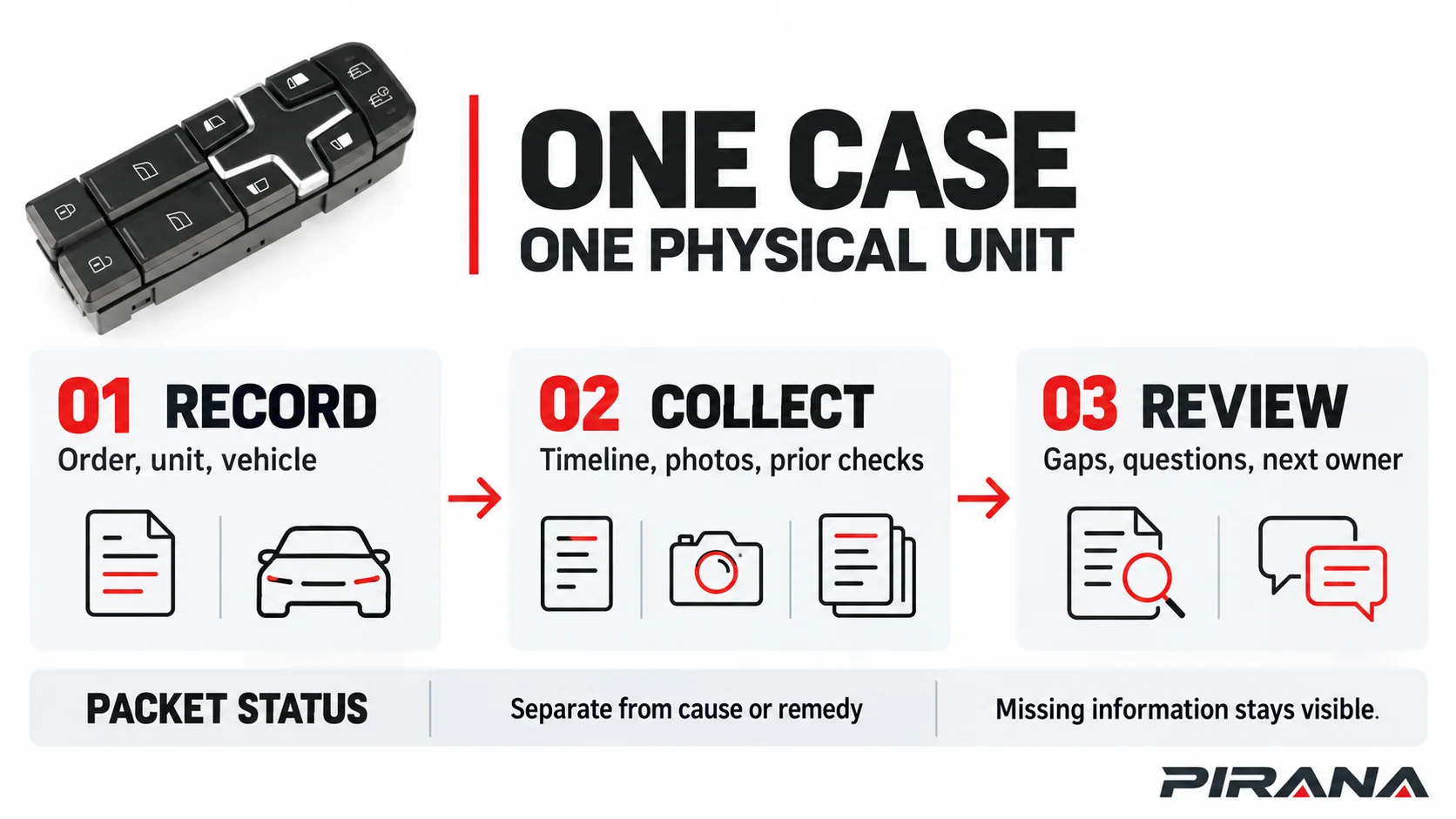
Before asking a supplier or distributor to review a power window switch return claim, connect five things under one case ID: the sold item, the physical unit being reported, the vehicle and installation context, the timeline, and the supporting evidence. Record what was observed and what someone actually checked. Keep the cause, commercial eligibility and requested remedy open until the applicable reviewer has enough information.
This guide is for distributors, importers and after-sales coordinators. It gives you a case packet, not a warranty policy or a diagnosis procedure. The companion Excel workbook uses one Case ID for one reported physical unit and keeps evidence completeness separate from any product-fault or commercial decision.
1. Open one case for one physical unit
Create a Case ID before collecting files. The same SKU can appear in several independent cases, so the SKU is not the case key.
Start the identity record in Cases, then link the supporting records in Evidence and Timeline:
| Record | What to capture | What to leave open when unknown |
|---|---|---|
| Transaction | Sold SKU, order or invoice reference, lot or unit marking, opened date and case owner. | A missing lot or marking. Do not invent a serial number. |
| Physical item | Current location and install state in Cases; custodian and visible-condition records in the Condition and custody evidence category. | Whether the reported item is still available or was already discarded. |
| Vehicle context | Vehicle/application text, market, steering and physical side in Cases; detailed configuration sources in Vehicle and application evidence. | Any configuration field that the source record does not establish. |
| Report | The customer’s or technician’s observation in their words, without assigning a cause. | The interpretation of the symptom. |
| Request | The action being requested, such as evidence review or product examination. | Any entitlement, replacement, credit or other commercial outcome. |
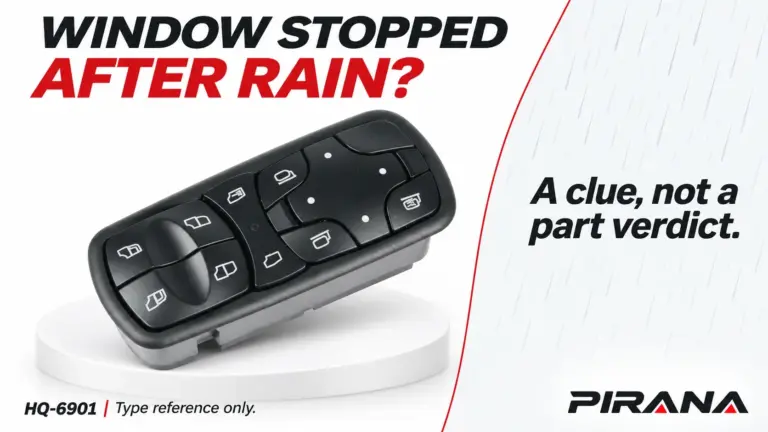
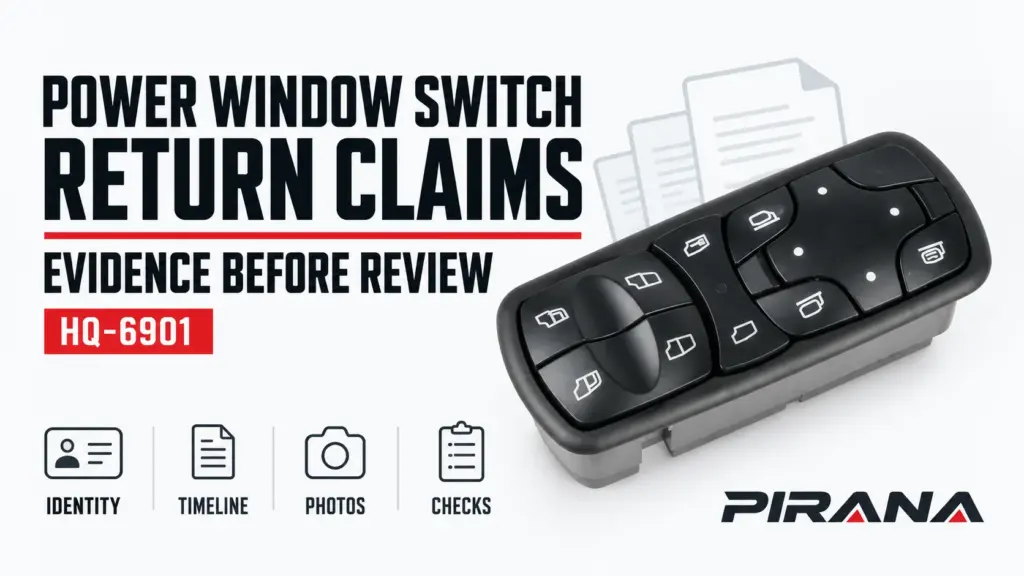
Keep product identity and case identity separate. The current PIRANA HQ-6901 record lists the catalogue SKU against OE reference A9438200097 and a Mercedes-Benz application declaration. That can help identify a catalogue candidate. It does not identify a customer’s original installed part, prove the reported unit is HQ-6901, or establish a fitment or return conclusion.
The workbook’s training row uses HQ-6901 only as a catalogue identity example. It marks the original OE in the case, installation state and current location as unknown, and labels the order and dates as fictional. It is deliberately incomplete.
2. Build the evidence packet around eight categories
Use one Evidence row for each file, record or justified gap. The workbook expects these eight baseline categories:
- Order and unit identity — order line, sold SKU, readable markings, lot or serial where actually present, and the source of each identifier.
- Vehicle and application — vehicle information, market, steering configuration, physical position and the application record used.
- Original-part interface — accessible photographs or documents for the original switch, connector, housing and mounting context. Do not force removal just to complete a field.
- Supplied-part interface — photographs and records for the supplied unit, including the view, marking and version that can be checked.
- Complaint observations — what happened, where, when, under what conditions and whether the observation was repeated. An observation is not a confirmed failure.
- Event history — delivery, installation, first observation, removal, repair attempt, transport and other dated events.
- Prior checks / diagnosis — the applicable vehicle document, person who performed a check, conditions, result and record. If no check was performed, say so.
- Condition and custody — as-found condition, packaging, missing pieces, storage, current location and each handoff.
Mark each evidence item Not provided, Provided or Not applicable. A Provided item needs a file or link, source or actor, capture date or a documented date gap, item/case match and reviewer. A Not applicable item needs a specific reason and reviewer. A blank status is an open gap.
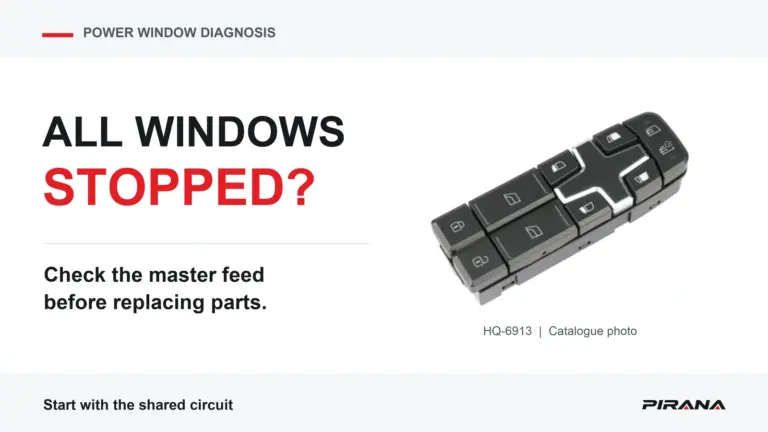
Do not treat a product catalogue photograph as a photograph of the reported unit. A front view can help explain a product identity, but it cannot prove the returned item’s condition, hidden connector or cause.
3. Preserve the sequence of events
Use Timeline for events, rather than placing several dates in a note. A useful row includes:
- Event date, or a clear reason the date is unknown.
- Actor or source, such as buyer, technician, carrier or internal reviewer.
- Event type, such as delivery, installation, observation, removal, check, repair attempt or handoff.
- Reported observation in one field.
- Action actually recorded in another field.
- Linked Evidence ID or source record.
- The question that remains open.
This separation matters. “The window did not move” is an observation. “The switch was replaced” is an action. “The switch was defective” is a conclusion that requires evidence and an authorized review.
Subaru’s historical 07-93-15 service information for the specified Legacy and Outback applications discusses unnecessary switch replacements and loss of automatic operation after battery disconnection. It is a bounded passenger-vehicle example, not a truck procedure or a PIRANA return rule. It shows why the case timeline should record power interruption, commissioning history and the vehicle document used when those facts matter.
Another Subaru 2018 TechTIPS item describes a 2014 Forester window concern associated with a master-switch connector lock. The documented action restored operation. That does not diagnose your case. It demonstrates why a complaint, a connector finding and a replacement decision need separate fields.
Do not copy either source’s reset sequence, model scope or repair steps into a general return form. If a technical check is needed, the reviewer should identify the applicable vehicle procedure.
4. Photograph the item that is actually under review
Request a clear, dated record of the actual unit when it can be obtained safely and under the applicable service method:
| View or record | What it helps identify | What it cannot prove alone |
|---|---|---|
| Label, marking and packaging | Sold identity, visible revision, lot or handling context. | That the marking belongs to the vehicle-side original or that the unit caused the symptom. |
| Complete control face | Button layout and visible condition. | Hidden contacts, connector function, protocol or fitment. |
| Accessible rear or connector view | Visible housing/interface differences. | Pin assignment or electrical compatibility without the right documentation. |
| Installation context | Door position, vehicle-side surroundings and before/after condition. | A universal installation or removal method. |
| Short video or dated sequence | An operating observation when safe and permitted. | A root cause or a successful test on every vehicle. |
If a view is unavailable, mark it unavailable and explain why. Do not ask someone to bridge terminals, apply power to unknown pins, remove a connector or dismantle a switch solely to complete a claim form. The relevant vehicle service information and the qualified reviewer determine what handling is appropriate.
Evidence preservation is also a technical issue. A GM 99-00-89-019S document for a historical GM parts programme asks for detailed complaint and technician documentation and emphasizes retaining the actual subject part and its condition. Its programme scope, authorizations, transport rules and remedies do not apply automatically to PIRANA or to another market. The transferable lesson is narrower: keep the actual item, the supporting records and the as-found state linked before a later action changes the evidence.
5. Route the packet without assigning blame
When the first collection pass is complete, choose the next route based on the unresolved question:
| Open question | Route to record | Useful next owner |
|---|---|---|
| Is the sold or supplied item identified correctly? | Identity, OE, SKU, marking or application evidence is incomplete. | Parts or fitment reviewer. |
| Does the vehicle-side history explain the observation? | Installation, configuration, prior checks or commissioning record is missing. | Qualified vehicle or technical reviewer. |
| Is the physical item available and traceable? | Location, custody, packaging or item match is unclear. | After-sales coordinator or transport/custody owner. |
| Does the returned unit need examination? | The applicable reviewer has defined the item, scope and evidence required. | Product or quality reviewer. |
| Is a commercial response needed? | The packet names the request and the applicable terms or policy reference. | Authorized commercial owner. |
The Review sheet separates packet state from triage route and commercial decision. Packet states are Collecting, Ready for review, Under review and Review recorded. A case can be complete enough to hand to a reviewer while the cause remains undetermined. A commercial decision remains Pending or is recorded as handled externally.
The workbook does not produce “return approved,” “defective,” “warranty accepted” or “refund due.” Those outcomes depend on the applicable order, terms, evidence and authorized decision maker. Filling a form does not create an RMA or a return entitlement.
6. Use the companion Excel case workbook
The companion workbook has five sheets, with headers on row 7 and data beginning on row 8:
| Sheet | Purpose |
|---|---|
| Cases | One row per reported physical unit, with the core identity, context, observation and calculated intake gaps. |
| Timeline | One row per dated event or documented date gap. |
| Evidence | One row per file, source record or justified missing/not-applicable item. |
| Review | Manual reviewer, packet state, triage route, next action and policy reference. |
| Field guide | Row rules, status definitions, baseline categories, capacities and known limits. |
The file reserves 100 case rows, 600 timeline rows, 1,000 evidence rows and 100 review rows. The workbook uses Case ID as the join key. It is designed for one supplier or distributor’s after-sales case register; repeated SKUs are valid across different Case IDs.
The example EXAMPLE-001 is a fictional training packet. It uses the real HQ-6901 catalogue identity as context, but contains no actual customer, shipment, lot, installation, failure, test or claim decision. Its eight baseline evidence rows are Not provided. One catalogue photo is marked Provided but has an unknown match to the case item, so the packet remains incomplete.
To start a real case:
- Create a new Working Case ID for the physical unit.
- Fill identity and current location before requesting a conclusion.
- Add eight baseline Evidence rows and mark each status honestly.
- Add Timeline entries for delivery, installation, observation, checks and custody, with date gaps visible.
- Link only files that belong to that case. Keep contextual catalogue images labelled as contextual.
- Review the first calculated gap, then resolve or explain it. A later clear field does not hide a different missing requirement.
- Assign a reviewer and next owner. Record a commercial outcome only from the applicable authorized process.
Dropdowns and formulas assist entry and expose common gaps. They are not an automatic audit trail, and copied or imported values still need review. Microsoft explains that copying and filling can bypass data-validation messages; the stored values and evidence records still need checking. Microsoft: Display or hide circles around invalid data. The workbook does not test a vehicle, inspect a product or interpret a warranty policy.
Request a bounded review
Send the case summary with the Case ID, sold SKU, original marking or unknown status, vehicle/application information, current item location, event timeline, evidence links, open questions, requested review route and responsible owner. If the product identity itself is unresolved, link the OE-number identification guide. If the vehicle symptom still needs technical work, use the truck window-switch diagnosis guide rather than treating this packet as a repair test. If the item is undergoing an incoming/sample check, use the quality inspection checklist.
Keep the wording neutral: reported concern, evidence provided, evidence missing, review requested, and next action. That makes the packet useful whether the later review identifies an application mismatch, vehicle-side condition, handling damage, product issue, or an unresolved result.
References
- Subaru of America — Service Information 07-93-15, specified Legacy/Outback applications, July 23, 2015: historical example of switch replacement and automatic-operation context.
- Subaru of America — August 2018 TechTIPS, page 1, 2014 Forester case: bounded example of a symptom and documented connector finding.
- General Motors — 99-00-89-019S, March 2020, historical GM programme: complaint/technician records and subject-part preservation examples. This document does not establish PIRANA policy.
- PIRANA — HQ-6901 product record, checked October 26, 2026: catalogue identity declaration, not evidence of a reported unit or fitment approval.
- Microsoft Support — Display or hide circles around invalid data: limits of data-validation messages.